Real Visio files
Saves back to .vsdx without touching what you didn't change — masters, themes and data survive the round trip.
New in 1.0 — opens legacy .vsd files from Visio 2003
Open, edit and save .vsdx and .vsd files natively on macOS — no Windows, no VM, no conversions. A familiar ribbon, true file fidelity, and AI that drafts a diagram from one sentence.
Free to open and view files · macOS 14 Sonoma or later · Apple Silicon & Intel
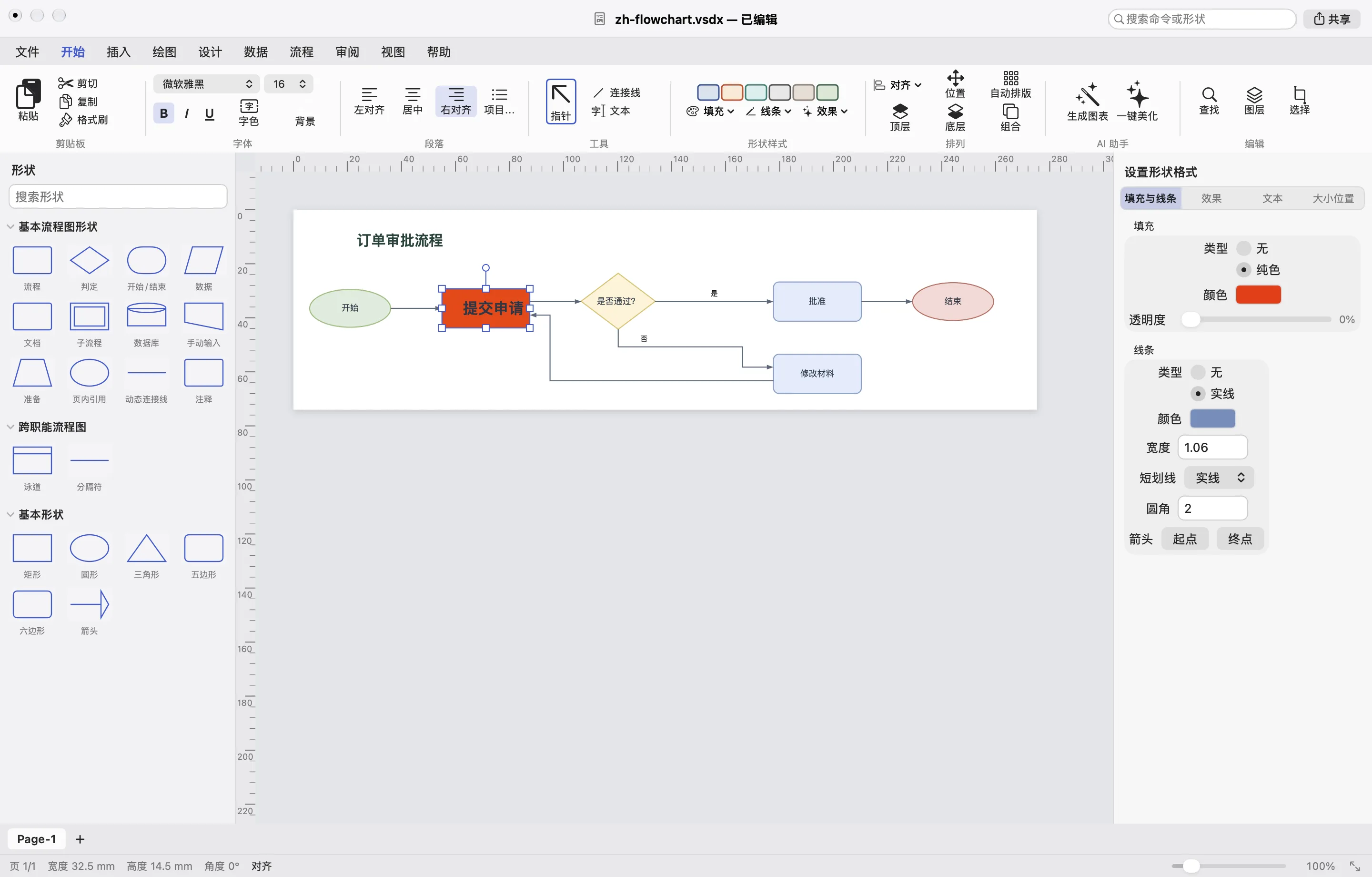
Built in Swift for macOS — fast to launch, smooth to edit, and right at home next to Pages and Keynote.
Saves back to .vsdx without touching what you didn't change — masters, themes and data survive the round trip.
Home, Insert, Design, Arrange — the same tabs, shapes panel and format pane, so your team needs zero training.
Describe a process in one sentence and get a fully editable flowchart, swimlane or org chart in seconds.
Opens files from Visio 2003–2010 and converts them to modern .vsdx on save. Your archive finally opens.
Press Space on any .vsdx in Finder to preview it, with real diagram thumbnails instead of blank icons.
Dark mode, Share sheet and printing. Your files stay on your Mac — editing works fully offline.
AI DIAGRAMS
Type “employee leave approval with manager, HR and finance lanes” and vsdx.app lays out real Visio shapes and connectors — every box stays editable. Or select a messy page and hit Beautify.
100 AI credits every month, on every paid plan
About 10 diagrams. No API keys, nothing to set up — top up anytime.
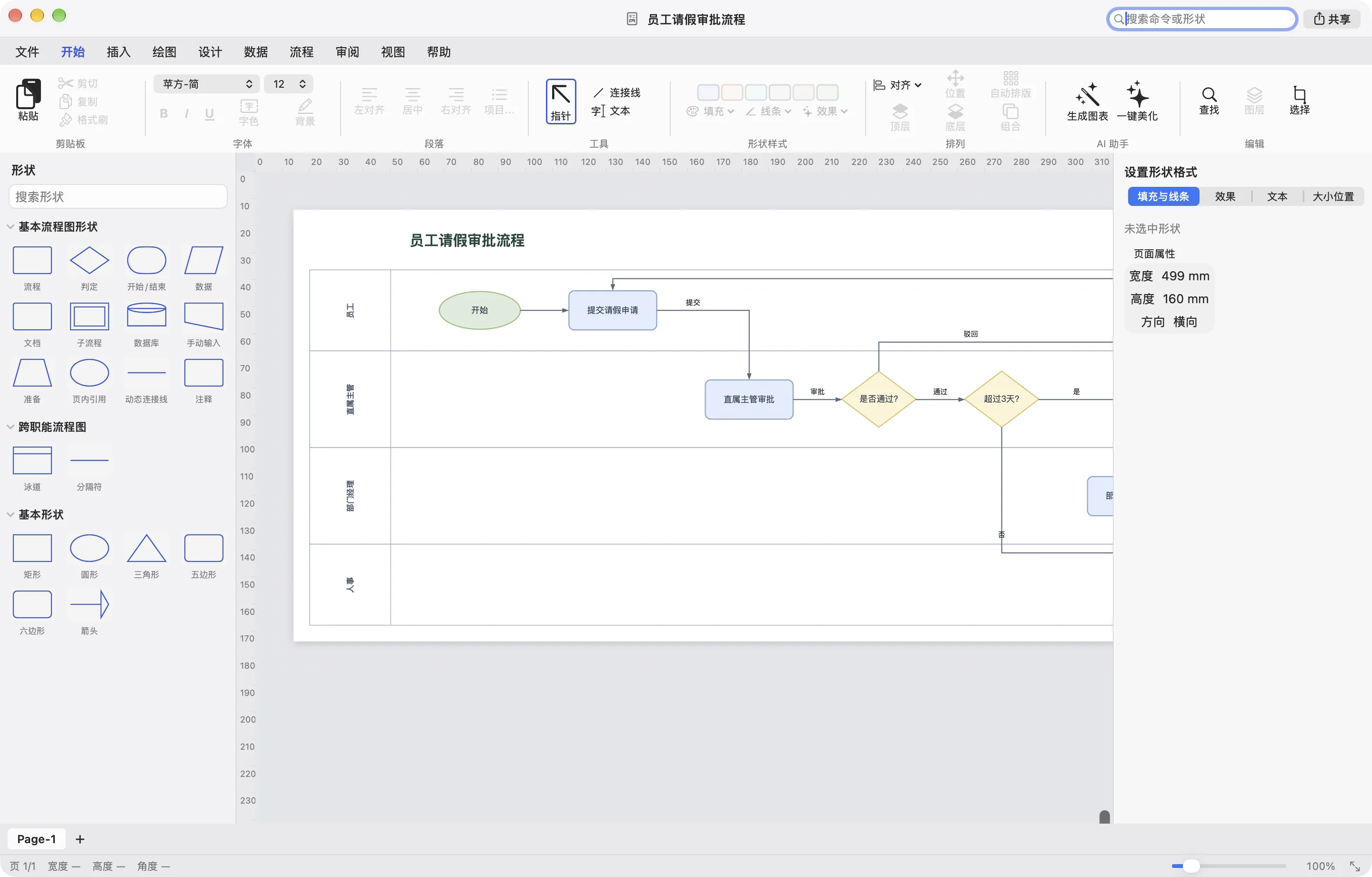
Paid plans unlock full editing. Every paid plan includes the same 100 AI credits each month.
1 diagram ≈ 10 credits
For Pro and Lifetime members. Monthly credits are used first; pack credits never expire.
100 credits
$9.90
≈ 10 diagrams
200 credits
$14.90
≈ 20 diagrams
500 credits
$39.90
≈ 50 diagrams
1,000 credits
$69.90
≈ 100 diagrams
No. vsdx.app is an independent Mac app that reads and writes the open Visio file formats. Visio is a trademark of Microsoft.
Open, view and print any .vsdx or .vsd file and preview them in Finder. Editing, saving and AI need Pro or Lifetime.
You can keep editing by hand as much as you like. Credits refill on your next monthly date, or buy a pack to continue right away.
Lifetime is a forever license for the app plus 100 AI credits every month. Extra AI is available through credit packs.
Click Sign in — your browser opens vsdx.app, you approve, and you're back in the app. No passwords or API keys stored in the app.
Yes. After signing in once, editing works offline. AI generation needs a connection.