Included free
- Open .vsdx files, and .vsd files (vsdx.app writes a .vsdx copy)
- Zoom, turn pages, and browse multi-page drawings
- Finder Quick Look previews and thumbnails
- Export PDF, PNG, and JPG
- Double-click a file to open it in vsdx.app
Open, view, and print Visio files on your Mac. No Visio, no Windows, and the file stays on your computer.
Version 1.0.5 · macOS 14+ · Apple silicon & Intel
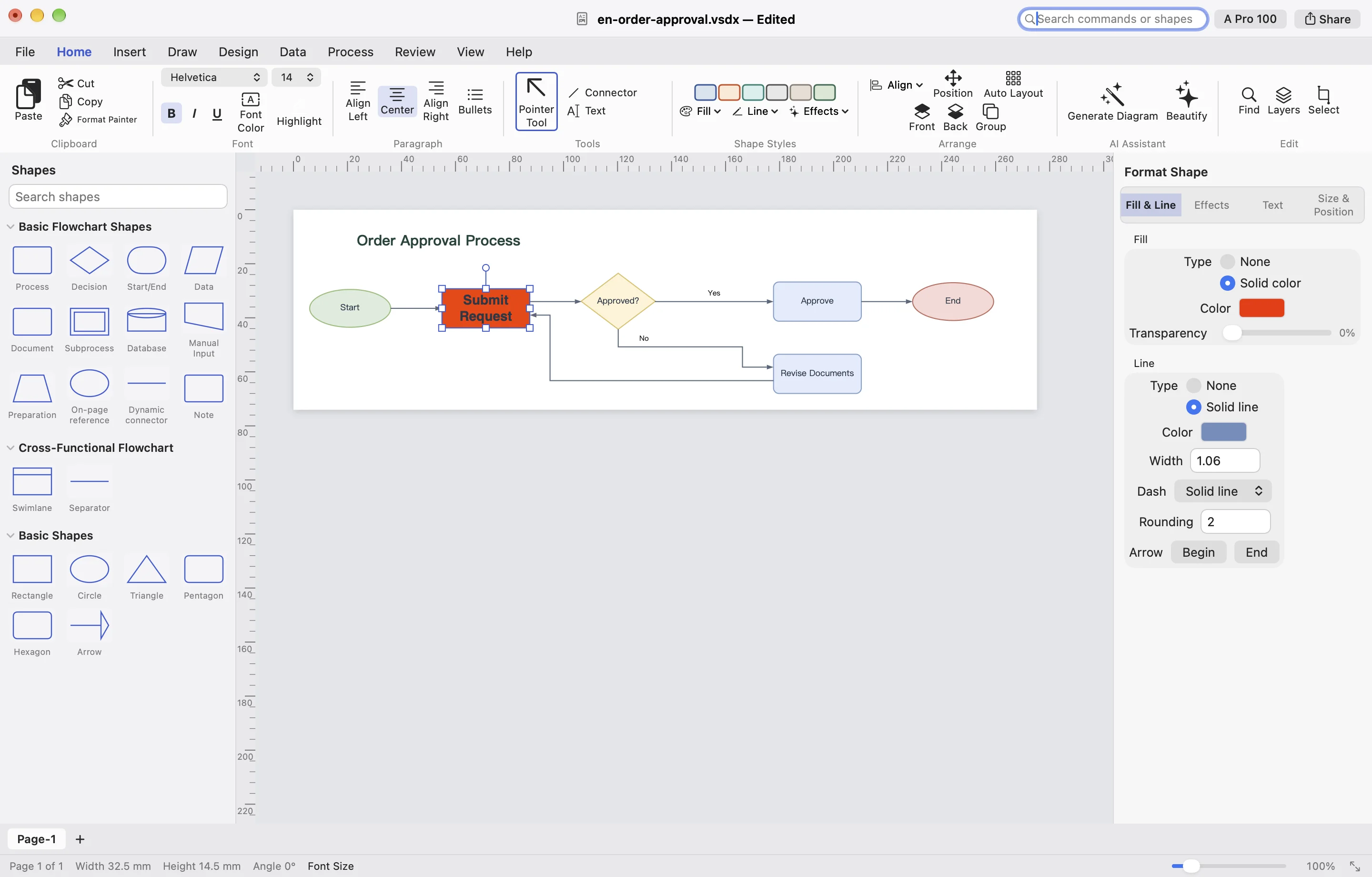
The free app is a viewer. Open a drawing, read it, print it, or export a copy. Upgrade only when you need to change the file.
Four options people actually use. Only the differences we can check.
| vsdx.app free | Microsoft Visio Viewer | Online viewer sites | Visio for the web | |
|---|---|---|---|---|
| Native Mac app | Yes | No. Windows only, and no longer updated | No | No. It runs in the browser |
| Free | Yes | Yes | Often free | No. Needs a Microsoft 365 subscription that includes Visio |
| File uploaded | No | No | Yes | Yes. The file is stored in Microsoft 365 |
| Opens .vsd | Yes. Writes a .vsdx copy | Yes | Depends on the site | Yes, with Visio Plan 1 or 2 |
| Quick Look | Yes | No | No | No |
Microsoft Visio Viewer is a Windows program and is no longer updated. Visio for the web needs a Microsoft 365 subscription that includes Visio. Visio is a trademark of Microsoft Corporation.
Get the free Mac app. No account required to view files.
Open the .dmg and drag vsdx into your Applications folder.
Or select the file in Finder and press Space to preview it.
No. Microsoft Visio Viewer is Windows-only, and Microsoft no longer updates it. vsdx.app is a separate native Mac app.
Viewing is free and does not require an account. You can open, read, print, and export without signing in.
Yes. vsdx.app opens legacy .vsd files from Visio 2003–2010 and writes a .vsdx copy you can keep viewing.
No. Files stay on your Mac. Opening and previewing them does not send them to a server.
Not in the free viewer. Editing and saving .vsdx are part of the paid plans.
Yes. PDF, PNG, and JPG export are free. SVG export is on the paid plans.